 English
What Features Are Most Underutilized in Modern Interactive Display Panels?
Published:
2025-12-12 15:18:15
Discover the most underutilized features of Kingone interactive display panels. Learn how smart display panels, interactive flat panels, and panels for business & education can boost collaboration and productivity.
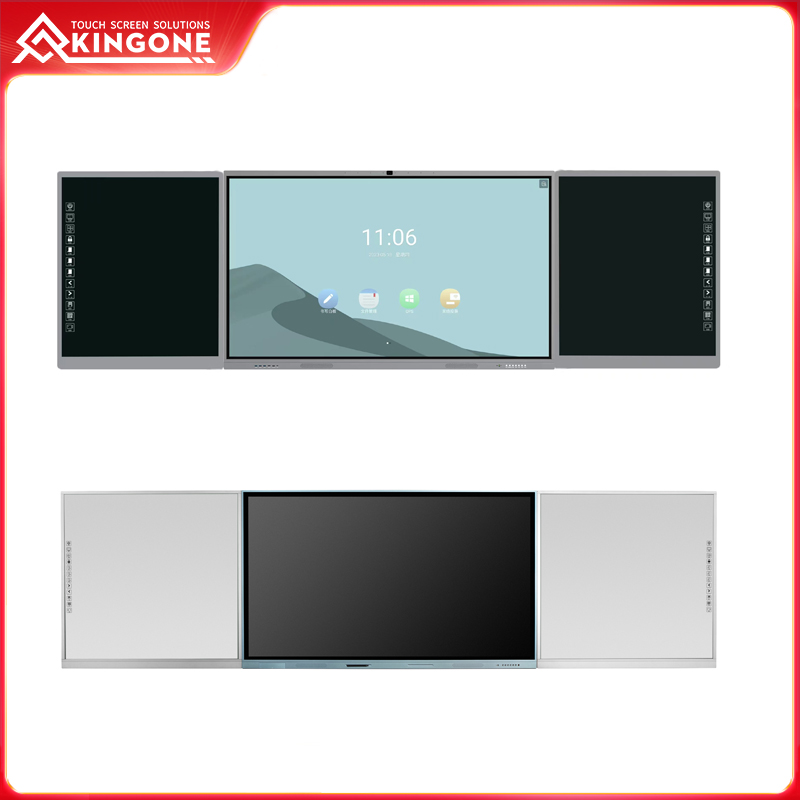
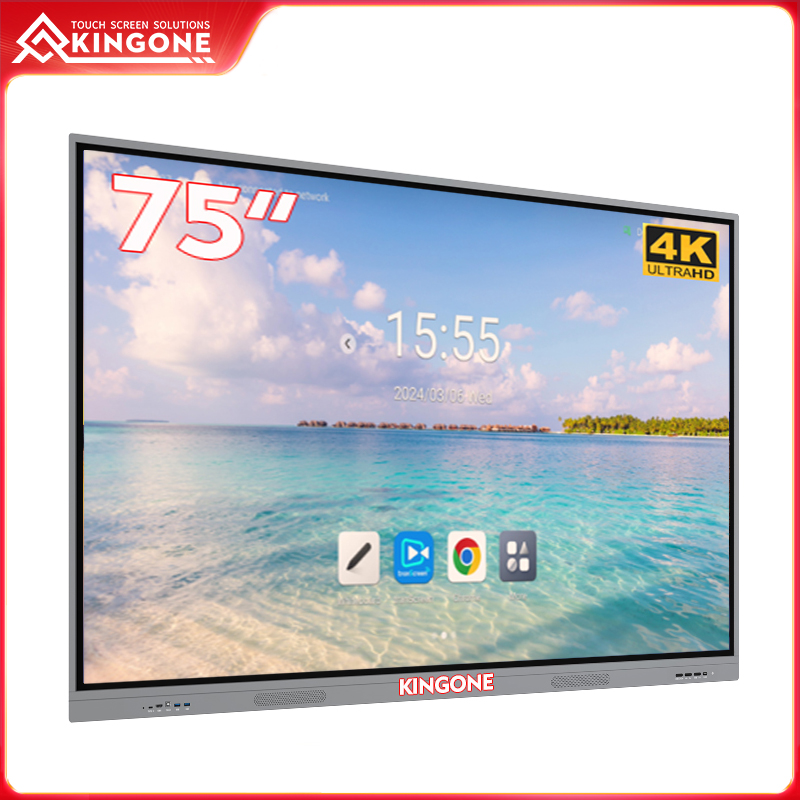
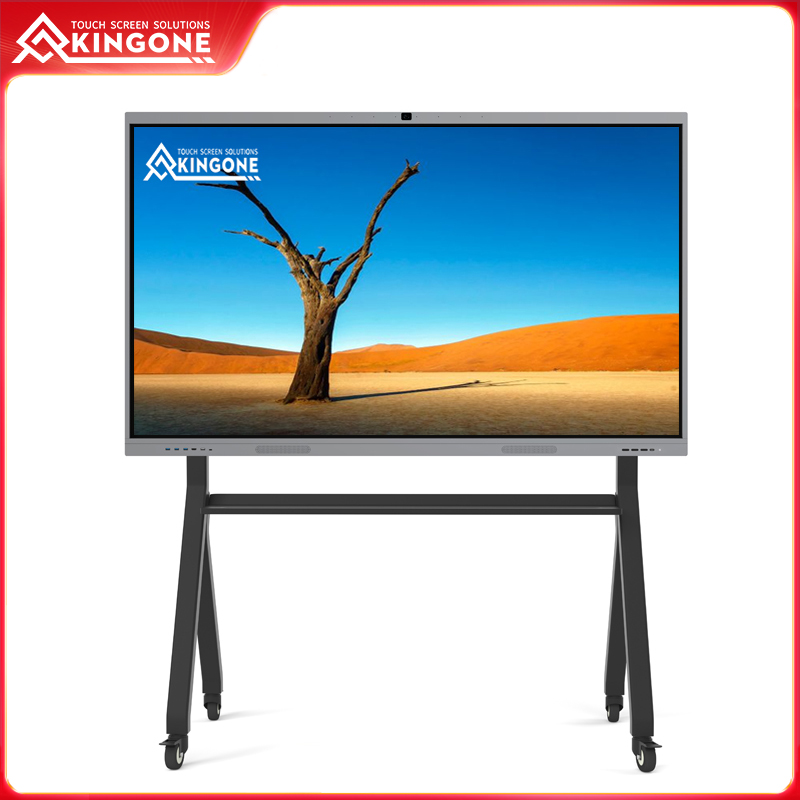
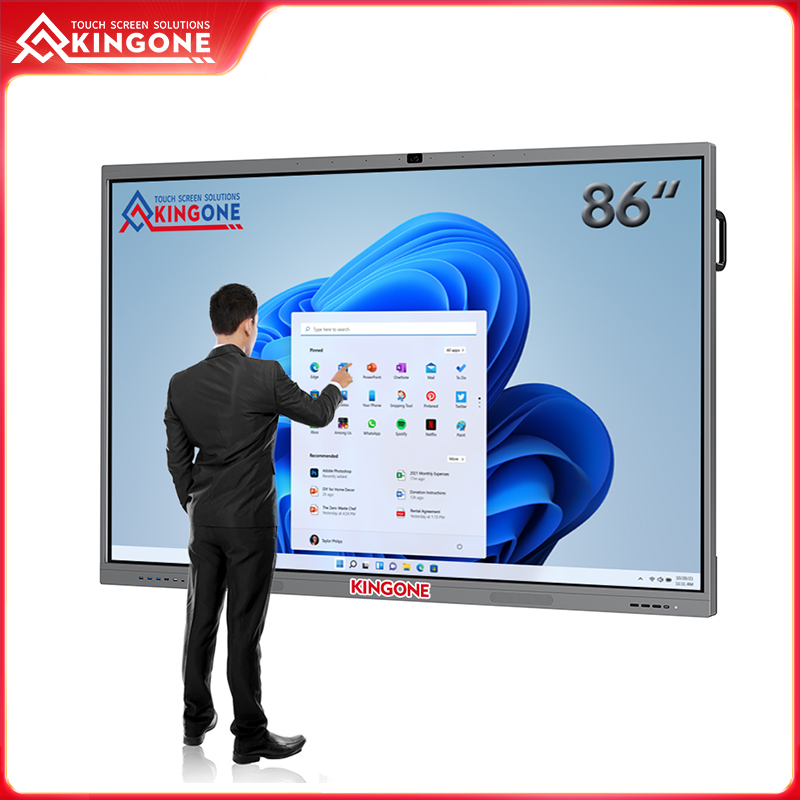
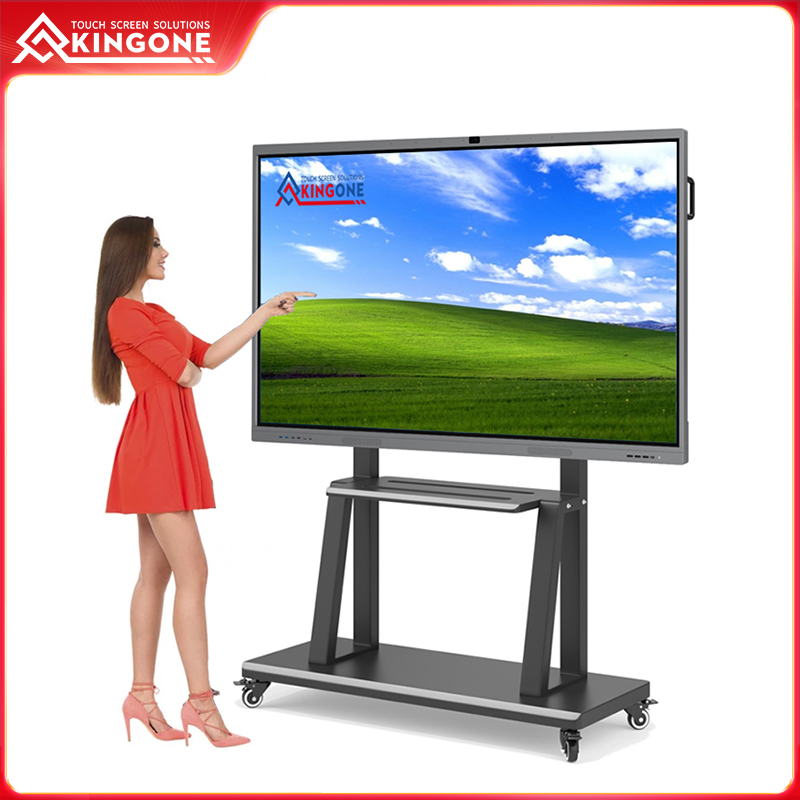
Walking into a modern classroom or a sleek corporate boardroom, it’s hard not to notice the large, gleaming screens mounted on the walls. Kingone interactive display panels promise seamless collaboration and enhanced productivity, yet in many places, they are used simply as digital whiteboards or projection screens. Students scribble notes, employees mirror laptop screens, and the true potential of these smart display panels remains largely untapped.
This gap between capability and utilization isn’t due to technological limitations. The panels are robust, feature-rich, and designed to integrate advanced functionality. The issue lies in awareness, training, and structured adoption. Understanding which features are underused and how to harness them can fundamentally transform classrooms and offices alike.
Advanced Collaboration Beyond Simple Annotation
Many users limit themselves to basic functions like writing or highlighting. However, interactive flat panels support multi-user collaboration, cloud-based whiteboards, and real-time content sharing.
At a mid-sized design firm, Kingone panels initially served only as screens for presentations. Meetings were sequential and slow, with designers taking turns to sketch ideas. When multi-user collaboration was enabled, five designers could contribute simultaneously. Brainstorming sessions became faster, ideas flowed more freely, and project timelines shortened significantly. In classrooms, similar features allow multiple students to interact with a single panel simultaneously, fostering participation and engagement that traditional whiteboards cannot achieve.
Multi-Device Casting: Unleashing Simultaneous Input
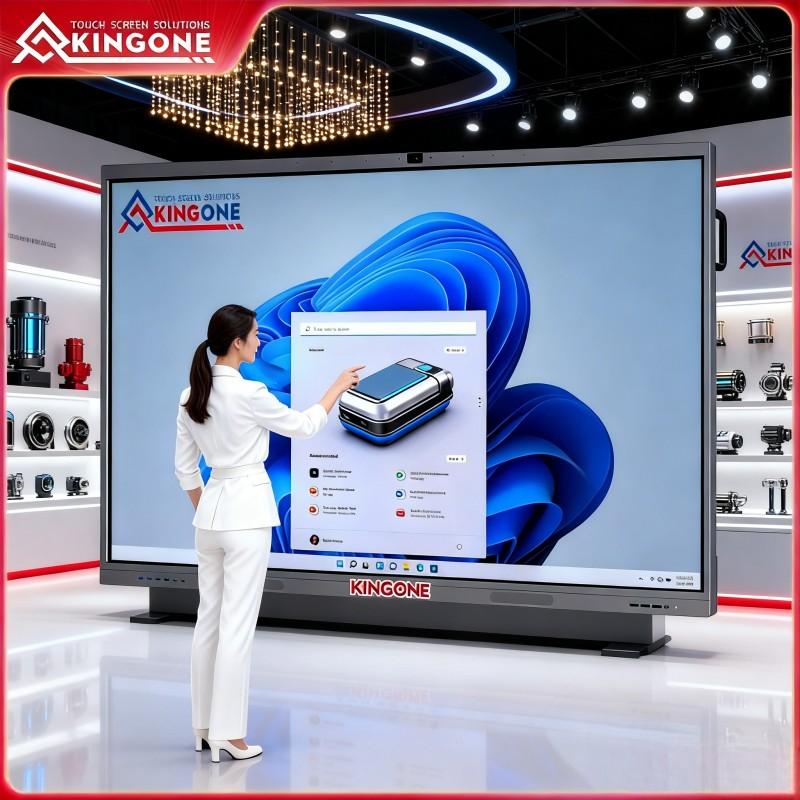
Another underutilized feature is multi-device casting. Modern interactive panels for business/education can receive input from multiple devices at once—laptops, tablets, or even smartphones. For example, marketing teams presenting regional strategies simultaneously can display all proposals side by side, allowing instant comparison and feedback. In schools, students can share individual projects on a single panel for collaborative critique. By enabling multi-device casting, organizations transform the panel from a passive display into an active hub for real-time collaboration.
Leveraging Embedded Operating Systems
Many users overlook the embedded operating systems in smart display panels. These OS platforms support productivity applications, cloud storage, and integrated tools that eliminate the need for additional devices.
By exploring these systems, classrooms can run interactive lessons directly on the panel, and offices can display dashboards, edit documents, and manage project workflows without switching devices. Features like split-screen multitasking, polling apps, and cloud-based editing can dramatically improve efficiency, yet they often remain idle simply because users are accustomed to traditional workflows.
AI-Powered Functionalities: Untapped Automation
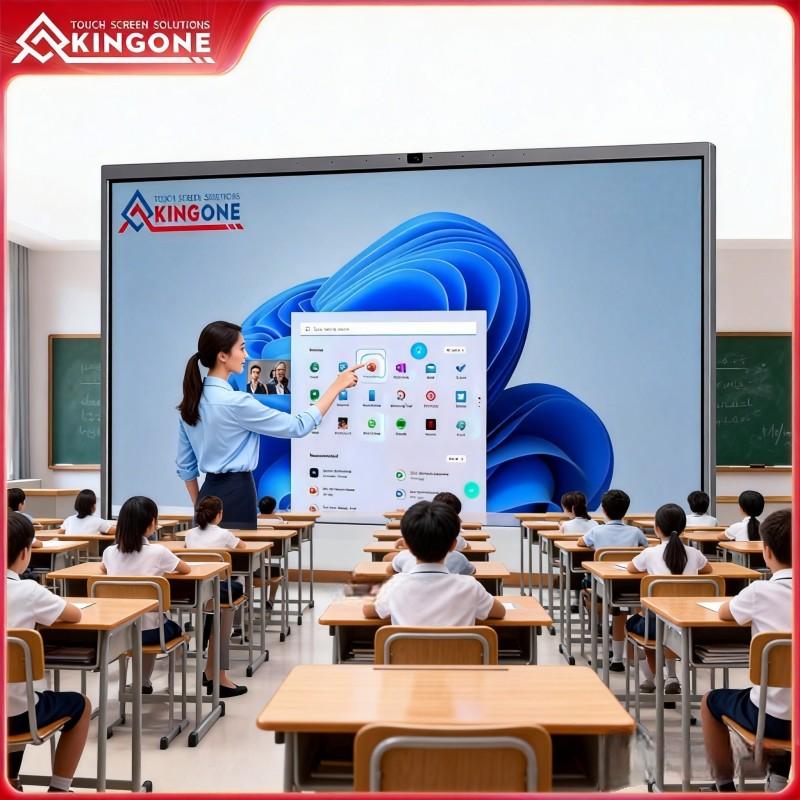
AI tools embedded in modern interactive flat panels—such as handwriting recognition, voice-to-text transcription, gesture commands, and auto-shape correction—remain underutilized. Teachers using Kingone panels can automatically digitize handwritten notes, reducing manual transcription and improving accuracy. Business teams can capture spoken meeting notes in real time, allowing participants to focus on discussion rather than documentation. Leveraging AI not only saves time but also enhances collaboration, making meetings and lessons more productive and engaging.
Integrated Video Conferencing: Simplifying Hybrid Work
High-quality cameras and microphones, along with preinstalled conferencing apps, make these panels ideal for hybrid collaboration. Yet, many organizations continue to rely on laptops or external devices for meetings. Activating integrated video conferencing simplifies setup, improves audio-visual quality, and ensures seamless remote participation. For companies with hybrid teams, Kingone panels facilitate uninterrupted collaboration, turning any room into a fully equipped digital workspace.
Cloud Storage and File Management
Despite offering auto-save, cloud backups, and synchronization, panels are often used with USB drives or email attachments. Full adoption allows schools to share lesson materials across classrooms and businesses to maintain central archives of presentations and collaborative work. This ensures secure storage, easy access, and continuity, reducing the risk of lost files and streamlining workflows.
Preloaded Templates and Interactive Content
Preloaded templates and interactive tools often go unused. Kingone panels include lesson plans, charts, infographics, and workflow boards designed to save preparation time and standardize quality. In classrooms, teachers can deliver visually engaging lessons without starting from scratch. Businesses can maintain professional presentation standards across departments, ensuring consistency while reducing time spent on setup.
Peripheral Integration: Expanding Panel Capabilities
Interactive panels can integrate with external devices such as cameras, sensors, and OPS modules, yet these features are frequently ignored. Connecting peripherals transforms a panel into a central digital hub capable of live demonstrations, remote experiments, or interactive team projects. This expands both educational and professional applications, turning a simple display into a versatile tool for dynamic environments.
Security and Administrative Control
Security features—multi-level authentication, user permissions, encryption, and remote management—are often left unconfigured. Proper use protects sensitive information, enforces IT policies, and ensures workflow consistency. For schools, this protects student data; for businesses, it safeguards proprietary projects and intellectual property.
Conclusion: Unlocking Full Potential
Underutilization of interactive display panels limits engagement, productivity, and ROI. By embracing multi-user collaboration, multi-device casting, embedded OS features, AI tools, integrated conferencing, cloud management, templates, peripheral integration, and security functions, organizations can fully leverage their investment.
Kingone’s interactive panels for business/education are designed to unlock this potential. When properly implemented, these panels do more than display content—they become catalysts for collaboration, creativity, and productivity. Classrooms become interactive learning hubs, and boardrooms transform into dynamic, high-efficiency collaborative environments.
Welcome To Know Our Products
Get More Product Service Information
Follow us
We are the original manufacturer in China, we can provide OEM/ODM service, and give you the high quality products..


CONTACT US
Phone:+86 132 5769 7588
Add:Building 4, Zhongju Industrial Park, Wanjiang Street, Dongguan, Guandong, China
E-mail:sales03@kingonevision.com