 English

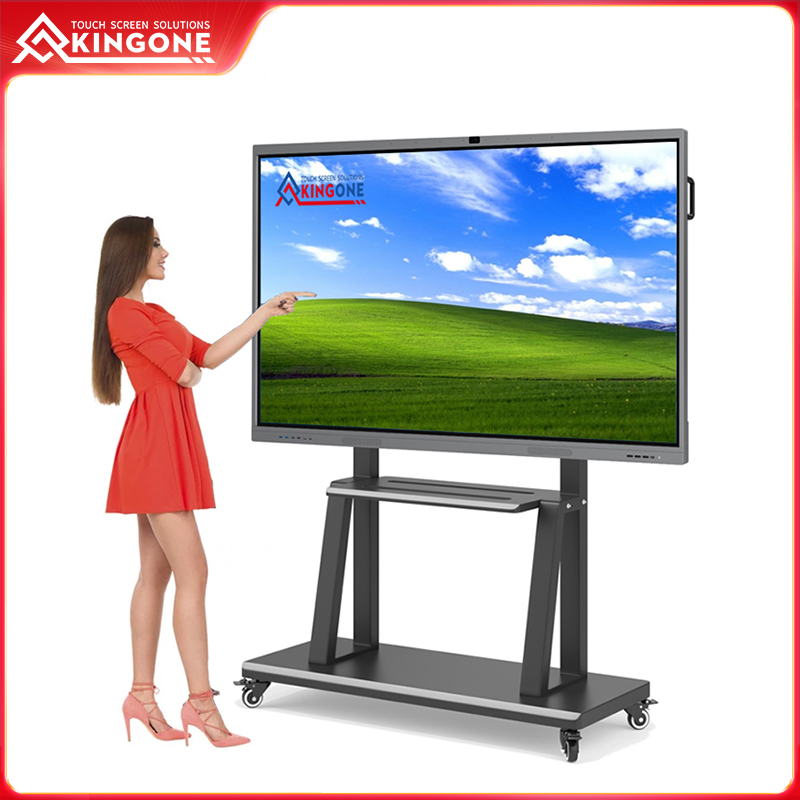
How to Select the Right Smart Interactive Board for Your Classroom or Office?
Published:
2025-12-12 15:54:49
Learn how to choose the right Kingone smart interactive board for classrooms or offices. Discover key features of interactive smart boards, digital smart boards, touchscreen smart boards, and interactive whiteboards to boost collaboration and engagement.
Walking into a modern classroom or a corporate meeting room, one can no longer ignore the presence of large digital screens. These devices, often labeled as interactive smart boards, promise to revolutionize the way people teach, learn, and collaborate. Yet, despite their widespread adoption, many organizations barely scratch the surface of their capabilities. Teachers still rely on traditional lectures alongside these panels, and corporate teams often limit them to simple presentation displays. The question is: how can you choose the right interactive smart board that truly elevates learning and productivity?
Understanding Your Environment and User Needs
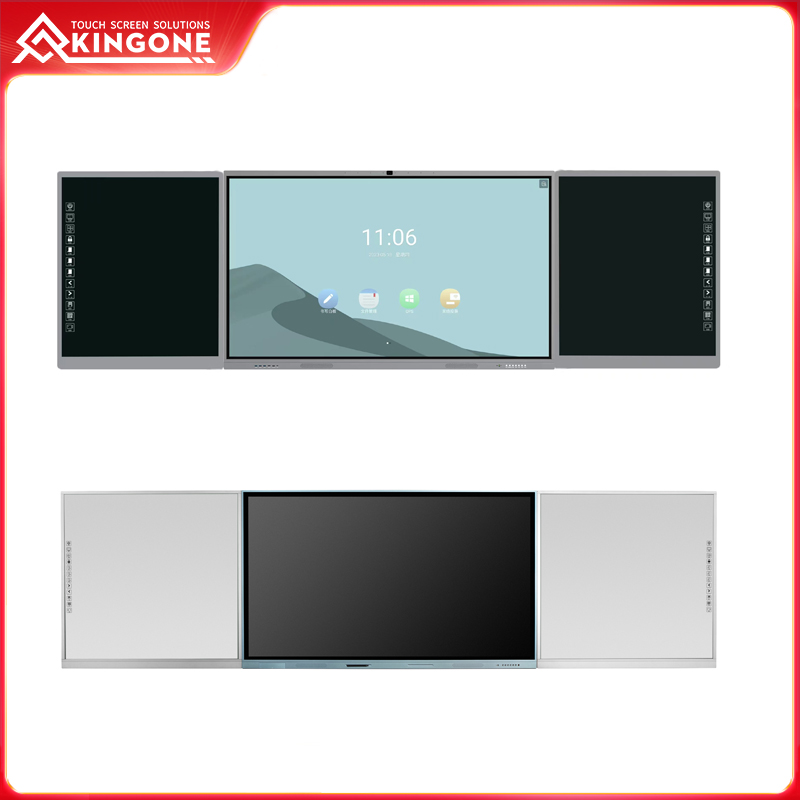
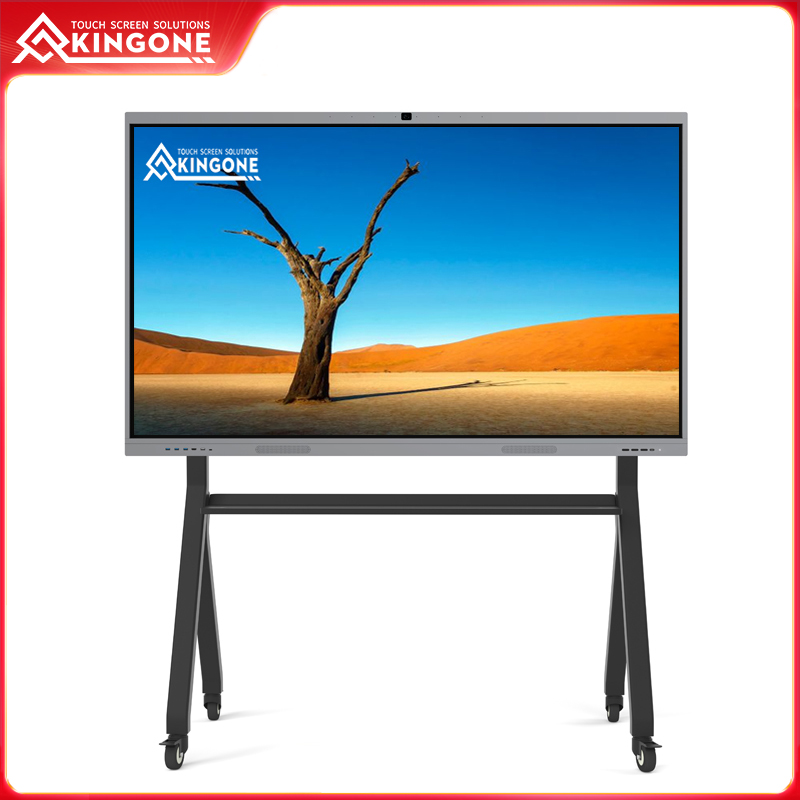
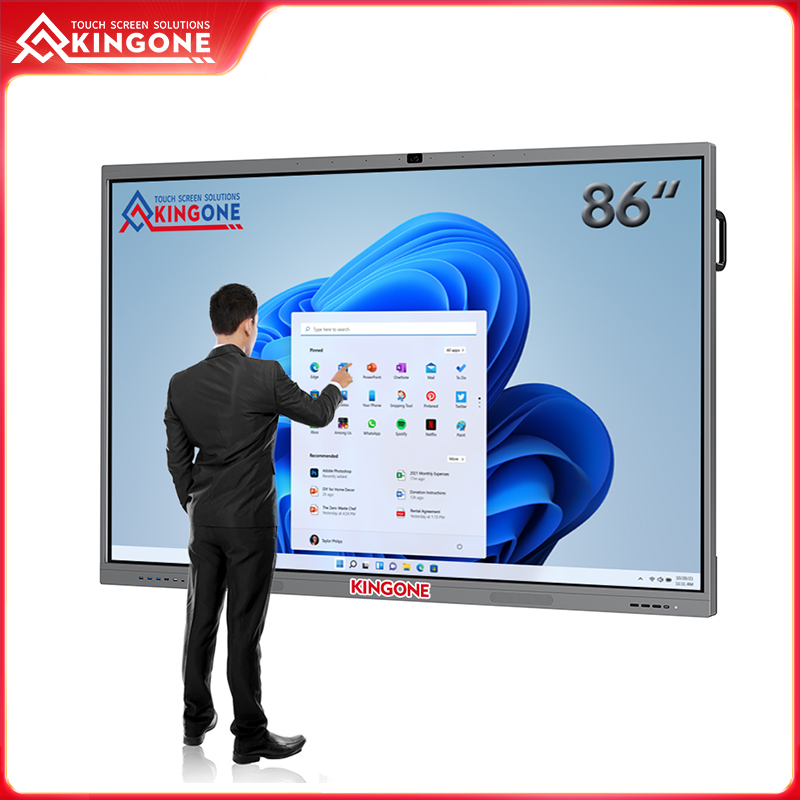
The first step in selecting a smart interactive board is evaluating the environment where it will be used. The needs of a classroom differ significantly from those of a corporate office. In schools, visibility and engagement are paramount. Students must see content clearly from every corner of the room, and interactive features should allow multiple students to participate simultaneously. Touchscreen smart boards ranging from 65 to 86 inches work well in medium to large classrooms, providing a balance of visibility and interactivity. For corporate environments, collaboration is the core requirement. Teams need the ability to annotate, manipulate, and share content in real-time. Multi-touch interactive whiteboards enable several participants to interact with the screen at once, streamlining brainstorming sessions and reducing the reliance on printed materials or individual laptops. By clearly understanding the environment, institutions can select a board that aligns with user behavior and maximizes its impact.
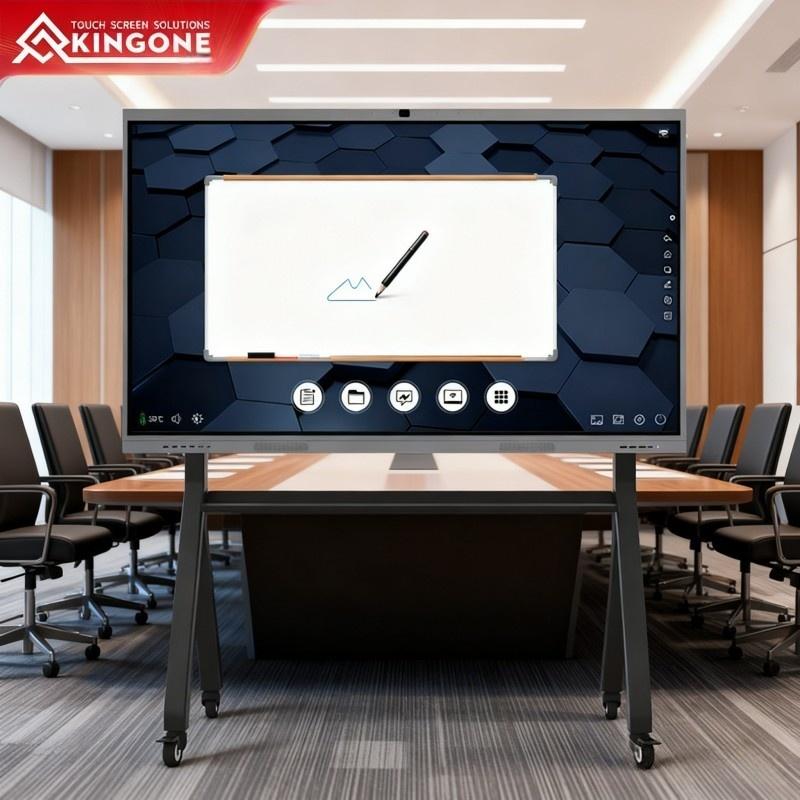
Screen Size and Resolution: Clarity Matters
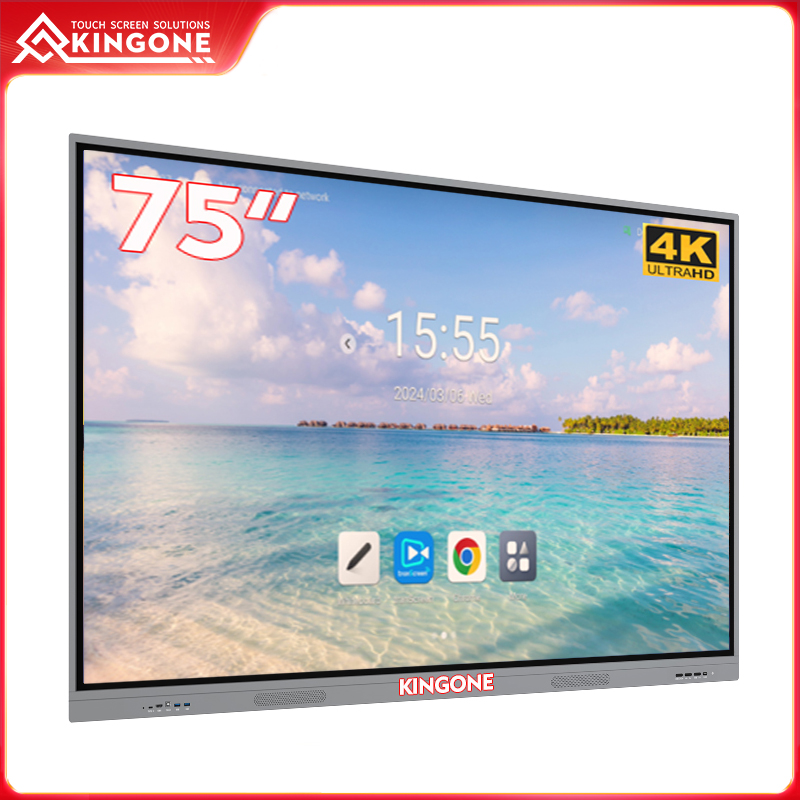
The size and resolution of your digital smart board directly affect user experience. A small or low-resolution board may result in frustration, diminishing engagement and reducing learning or meeting efficiency. For classrooms, a board with at least 1080p Full HD resolution ensures text, diagrams, and multimedia content remain sharp. Corporate offices often benefit from 4K resolution, especially when detailed charts or complex presentations are shared. Larger screens, such as 75–86 inches, not only improve visibility but also make group interactions easier, fostering collaborative learning or discussion. Investing in the right size and resolution ensures that the board serves its intended purpose without becoming an obstacle.
Touch Technology and Multi-User Capabilities
One of the key advantages of a smart interactive board is touch interactivity. Modern boards support multi-touch technology, allowing multiple users to interact simultaneously. This feature is underutilized in many schools and offices.
Capacitive touch technology provides smooth and precise response, much like a tablet or smartphone, while infrared touch systems are highly durable and ideal for heavy-use environments. A board that supports 10–20 simultaneous touch points enables students to collaborate on problem-solving exercises or employees to work together on project plans in real time. Choosing a touchscreen smart board with reliable multi-touch capability ensures natural, fluid interaction with content, encouraging active participation and engagement.
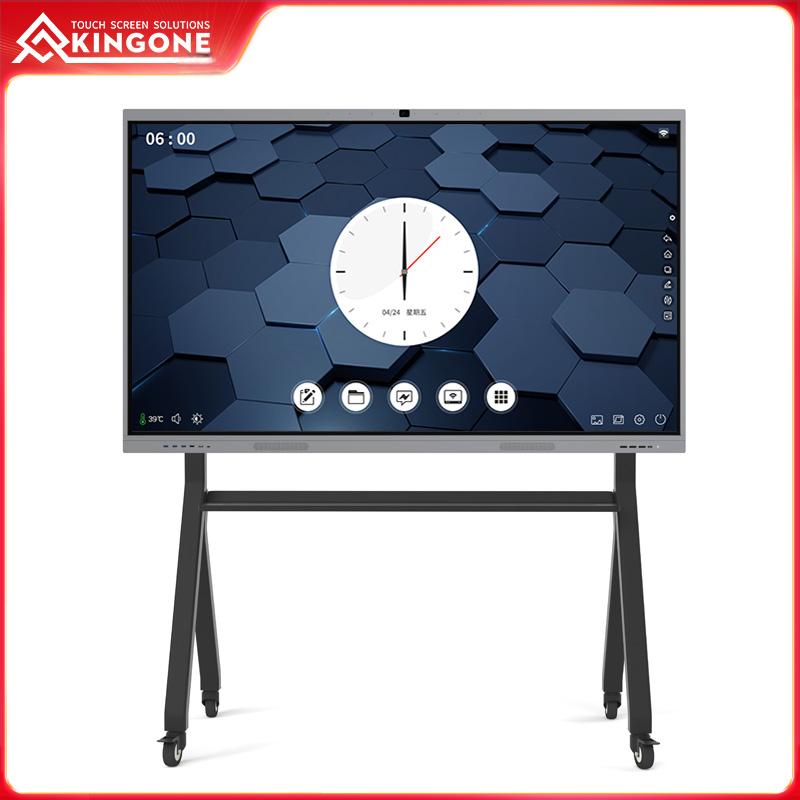
Connectivity and Integration Options
A truly effective interactive smart board integrates seamlessly with existing digital infrastructure. Wireless casting, HDMI inputs, USB ports, and OPS modules allow users to connect laptops, tablets, cameras, and other peripherals.
For classrooms, this enables teachers to share content from personal devices or integrate educational software without interrupting lessons. In offices, teams can stream presentations from multiple devices, display real-time dashboards, or connect to conference cameras, simplifying hybrid meetings and remote collaboration.
Boards with versatile connectivity turn passive screens into dynamic collaboration hubs.
Software Features and Interactivity
Beyond hardware, the software ecosystem defines the utility of a smart interactive board. Interactive whiteboarding, cloud integration, split-screen functionality, and preloaded templates transform the board into a hub for creativity and learning. Teachers can annotate lessons, create interactive quizzes, and save content digitally. Corporate teams can run brainstorming sessions, take real-time meeting notes, and manage workflow applications—all directly on the board. Selecting a digital smart board with robust software ensures users exploit its full potential, reducing dependency on additional devices and streamlining operations.
Durability and Brand Reliability
Durability is critical for devices subjected to daily use in classrooms or busy offices. Kingone interactive smart boards are designed to withstand heavy usage, with reinforced glass panels and long-lasting touch sensors. Investing in a reputable brand guarantees not only hardware quality but also access to software updates, technical support, and warranty services, reducing downtime and operational disruption.
Budget and Total Cost of Ownership
While cost is an important factor, it should not be the only consideration. High-quality interactive whiteboards may have higher upfront costs, but they offer longer lifespan, lower maintenance needs, and superior functionality. Consider the total cost, including:
Initial hardware purchase
Software licensing
Maintenance and support
Integration with existing systems
A strategic investment in a quality interactive smart board often results in higher ROI over time due to improved engagement, productivity, and reduced reliance on multiple devices.
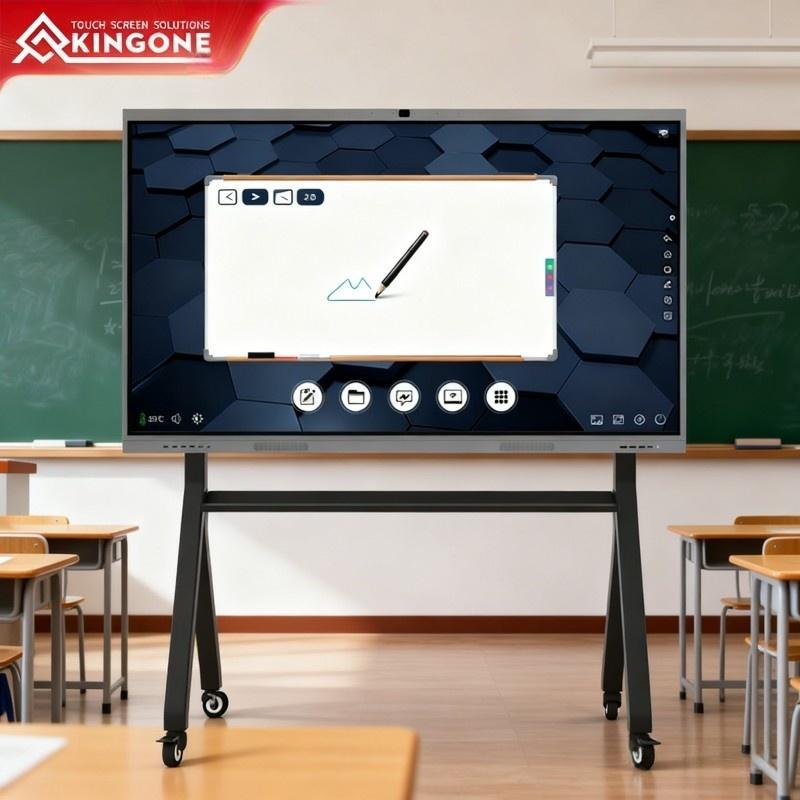
FAQ: Smart Interactive Boards
Q1: What is the difference between a digital smart board and an interactive smart board?
A: A digital smart board is any display with digital capabilities, while an interactive smart board emphasizes multi-touch input, collaborative software, and integration with educational or business tools.
Q2: Can interactive boards replace traditional whiteboards and projectors?
A: Yes. They combine the functions of whiteboards, projectors, and collaboration software into one device, enhancing engagement and efficiency.
Q3: How many users can interact simultaneously?
A: Most modern boards support 10–20 touch points, allowing multiple users to contribute at once.
Q4: Are these boards suitable for hybrid learning or remote collaboration?
A: Absolutely. Wireless casting, cloud storage, and video conferencing integration allow remote participants to fully engage with content.
Q5: What maintenance is required?
A: Regular surface cleaning, occasional software updates, and hardware checks are sufficient. Kingone boards are built for durability and low maintenance.
Conclusion:
Selecting the right smart interactive board involves understanding your environment, user needs, and the combination of hardware and software features. Whether for classrooms, boardrooms, or training centers, the right interactive smart board can transform collaboration, engagement, and productivity. By considering factors like screen size, resolution, touch technology, connectivity, software, durability, and total cost, organizations can make an informed choice.
Kingone interactive smart boards provide reliable, feature-rich solutions that unlock the full potential of digital collaboration, ensuring classrooms and offices are not just connected—but fully interactive.
Welcome To Know Our Products
Get More Product Service Information
Follow us
We are the original manufacturer in China, we can provide OEM/ODM service, and give you the high quality products..


CONTACT US
Phone:+86 132 5769 7588
Add:Building 4, Zhongju Industrial Park, Wanjiang Street, Dongguan, Guandong, China
E-mail:sales03@kingonevision.com