The global demand for digital classroom and smart meeting technologies is growing rapidly. Schools, training centers, and enterprises are upgrading from traditional projection systems to modern interactive whiteboards and interactive flat panel displays to improve collaboration, engagement, and communication efficiency.
However, with many models, sizes, operating systems, and manufacturers available in the market, choosing the right interactive whiteboard can be challenging—especially for distributors, system integrators, and project buyers.
This guide explains everything you need to know before purchasing an interactive whiteboard in 2026, including features, system comparison, size selection, applications, and OEM manufacturing considerations.
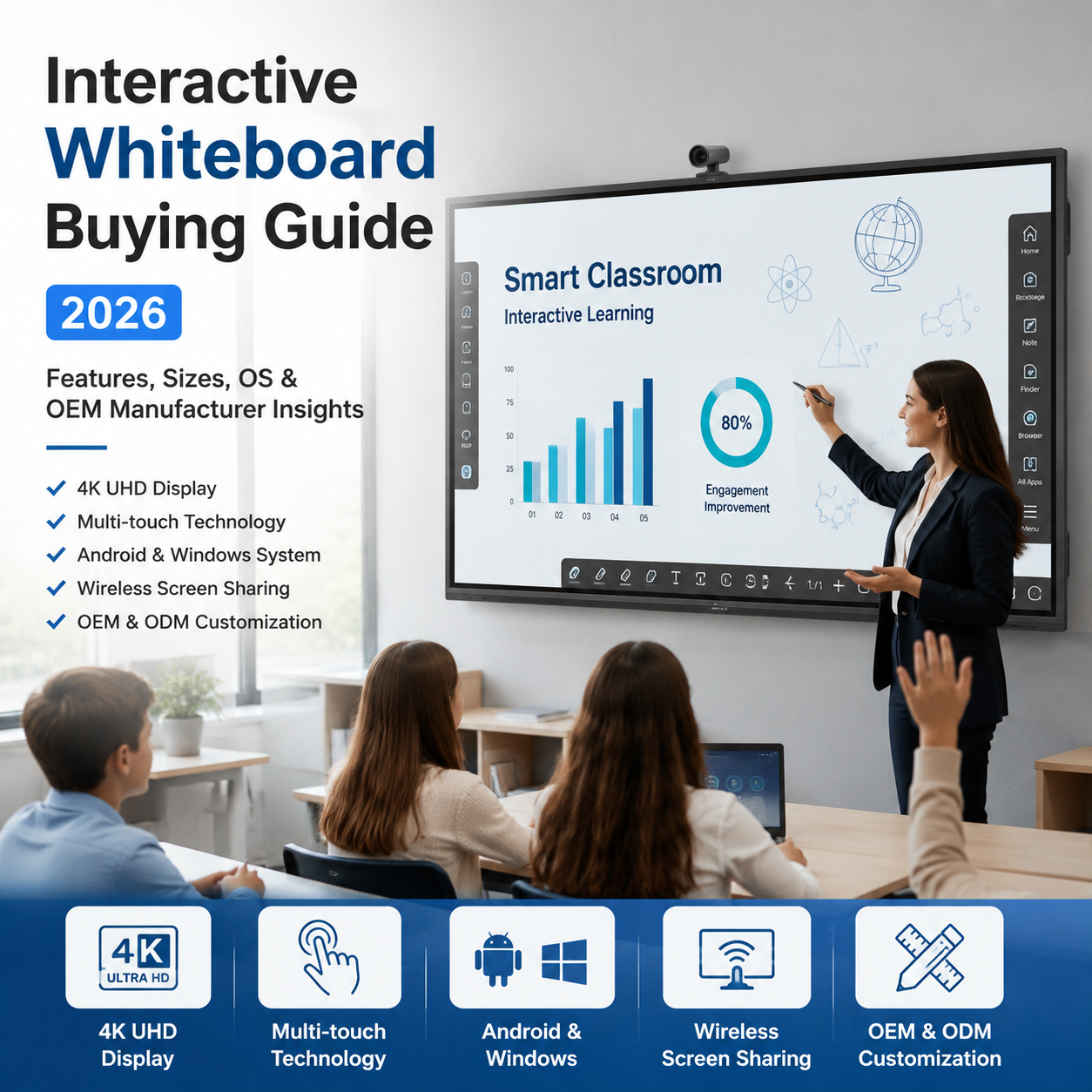
An interactive whiteboard (also known as an interactive flat panel display or smart board) is a large touchscreen display that allows users to interact directly with digital content using touch gestures, stylus pens, or connected devices.
Unlike traditional whiteboards or projectors, interactive whiteboards integrate:
High-resolution LED display (4K UHD)
Multi-touch technology (10–40 touch points)
Built-in Android or Windows operating system
Wireless screen sharing
Education or meeting software compatibility
They are widely used in:
Schools and universities
Corporate meeting rooms
Training centers
Government institutions
Conference environments
When evaluating an interactive whiteboard, understanding its core features is essential for making the right investment decision.
Modern interactive whiteboards come with 4K resolution, providing sharp visuals and better readability even in large classrooms or conference rooms.
Advanced infrared or capacitive touch technology allows multiple users to write or interact simultaneously, improving collaboration in group environments.
Most devices support dual systems:
Android OS for quick access and annotation
Optional Windows OPS module for advanced computing tasks
Users can connect laptops, tablets, or smartphones without cables, improving flexibility in presentations and teaching.
Includes whiteboard annotation tools, video conferencing apps, and file sharing systems.
Supports plug-in Windows OPS modules for higher computing performance and enterprise integration.
Choosing the right operating system is one of the most important decisions when purchasing an interactive whiteboard.
Faster startup time
Easier to operate
Lower cost
Built-in basic teaching tools
Supports full desktop applications
Compatible with Microsoft Office
Better for enterprise and advanced presentations
Suitable for complex software environments
Education & basic training → Android system
Corporate & enterprise use → Windows OPS system
Hybrid use → Dual system (Android + Windows OPS)
Interactive whiteboards are available in multiple sizes, typically ranging from 55 inches to 98 inches.
55–65 inch → Small meeting rooms, training rooms
75 inch → Standard classrooms and medium meeting rooms
86 inch → Large classrooms and conference rooms
98 inch → Auditoriums, lecture halls, and large venues
Key factors include:
Viewing distance
Room size
Number of participants
Content type (text, video, presentations)
A general rule: the larger the room, the larger the screen required for optimal visibility.
Interactive whiteboards transform traditional classrooms into smart learning environments by enabling:
Multimedia teaching
Real-time annotation
Student interaction
Remote learning integration
In business environments, they are widely used for:
Video conferencing
Project presentations
Team collaboration
Training sessions
Used for:
Command centers
Information display
Public service communication
For distributors and system integrators, working directly with an OEM/ODM manufacturer provides significant advantages.
Factory-direct pricing reduces middleman costs, increasing profit margins.
OEM services include:
Logo customization
UI interface design
Hardware configuration
Packaging customization
Manufacturers can support:
Small batch orders
Large-scale project supply
Long-term distribution contracts
Direct access to engineering teams ensures better product integration and after-sales support.
Selecting the right manufacturer is critical for long-term success.
Production capacity and factory scale
Certifications (CE, FCC, RoHS)
R&D capability
Quality control process
Global project experience
OEM/ODM customization capability
No factory verification
No technical documentation
Limited customization support
Poor communication or slow response
The price of an interactive whiteboard depends on several factors:
Screen size (larger = higher cost)
Resolution (4K vs standard HD)
Touch technology type
Operating system configuration
Customization requirements
Investing in interactive whiteboards leads to:
Higher teaching efficiency
Reduced printing and maintenance costs
Improved communication
Better engagement in meetings
Over time, the productivity gains significantly outweigh the initial investment.
Typically 50,000 to 60,000 hours of usage depending on usage conditions.
Yes, most functions work offline, especially annotation and local presentations.
Yes, Android and Windows systems support most educational and business applications.
Yes, OEM/ODM customization is available including logo, UI, and packaging.
Interactive whiteboards provide direct touch interaction, higher brightness, and better durability compared to projectors.
Choosing the right interactive whiteboard is not just about selecting a display—it is about investing in a complete digital collaboration solution.
For distributors, system integrators, and project buyers, working with a reliable OEM/ODM manufacturer ensures better pricing, customization flexibility, and long-term product stability.
As digital transformation continues across education and enterprise sectors, interactive whiteboards will remain a core technology driving smarter communication and collaboration worldwide.
If you are looking for a reliable OEM/ODM interactive whiteboard manufacturer, contact us today for:
Free product catalog
Custom project quotation
Distributor partnership program
Technical consultation
Start your smart display business with a trusted manufacturing partner.

Contact: Andy Young
Phone: +86 13257697588
E-mail: sales@kingonevision.com
Whatsapp:+86 13257697588
Add: Building 4, Zhongju Industrial Park, Wanjiang Street, Dongguan, China
We chat